Malware hurts your reputation, your search rankings and your leads. The sooner it’s removed, the less damage it does.
Protect your reputation.
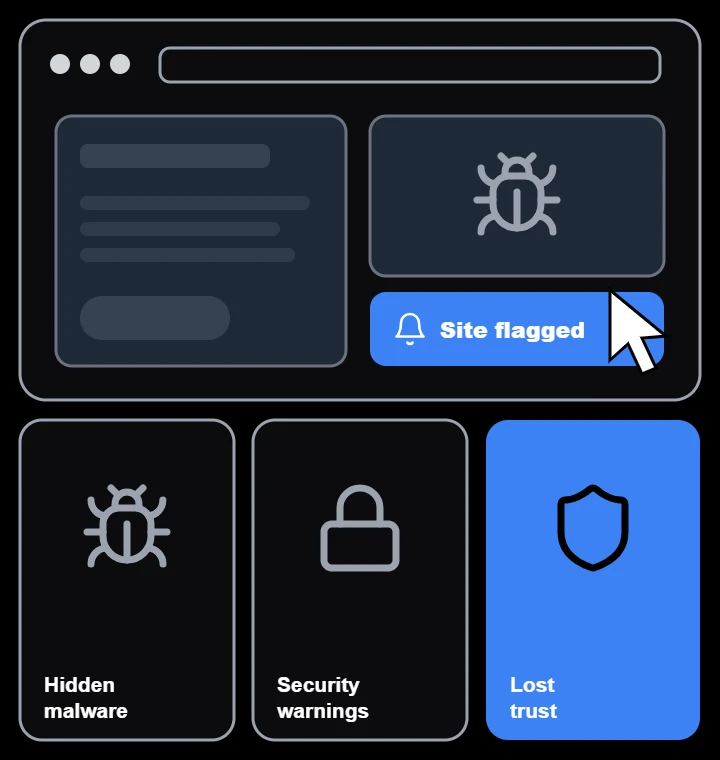
Browser warnings and spam redirects scare visitors away. We get your site clean so customers feel safe again.
Recover your rankings.
Search engines can flag or drop hacked sites. We clean the infection and request reviews to restore your visibility.
Keep your data safe.
Malware can steal form submissions, logins and customer details. We close the holes attackers used to get in.
43%
of all websites run on WordPress, which makes it the most common target for attackers.
Source: W3Techs
24/7
Monitoring keeps watch over your site and alerts us the moment something changes.
Ripple Growth monitoring
Hardened
Every cleanup ends with security hardening, so the same attack can’t happen twice.
The Ripple Growth standard
How we keep your website secure
Real security isn’t one plugin. It’s four layers working together to keep attackers out and your site online.
Layer 1
Clean
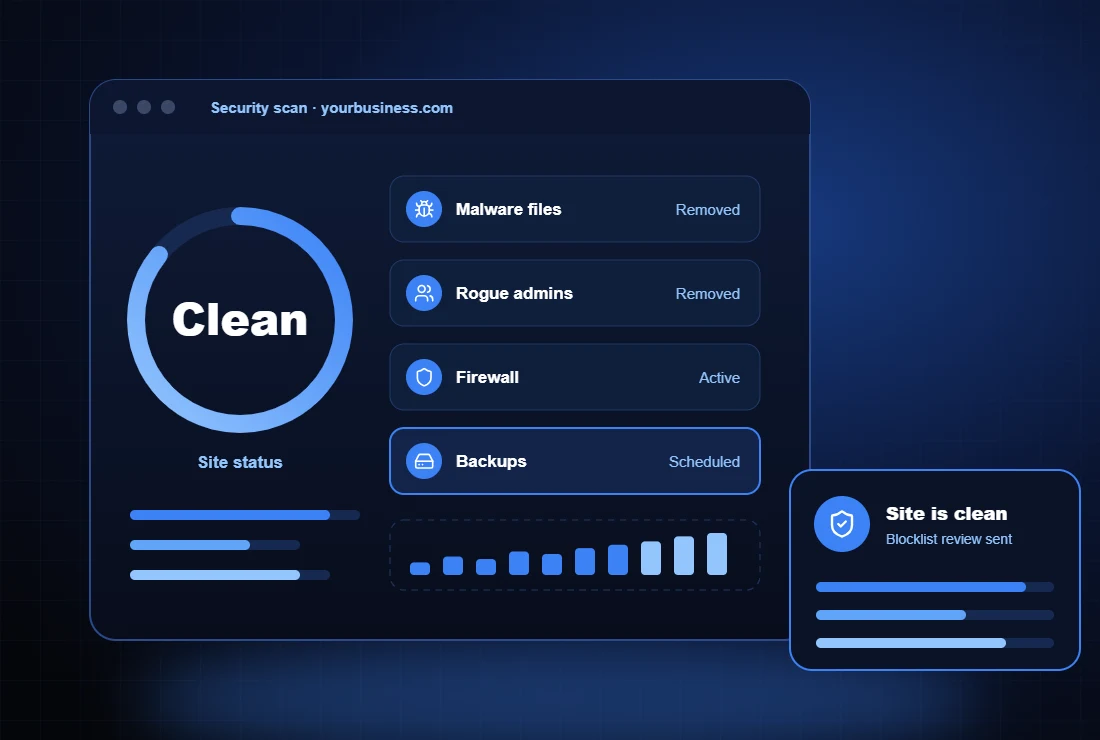
We find and remove malware, spam pages, malicious redirects and hidden backdoors from files and the database.
Layer 2
Protect
A firewall blocks bad traffic, brute-force logins and known attack patterns before they reach your site.
Layer 3
Update
Core, plugins and themes are kept current, so known vulnerabilities are patched quickly.
Layer 4
Recover
Off-site backups mean your site can be restored quickly if anything ever goes wrong.
Cleaned by hand, not just scanned.
Automated scanners miss hidden backdoors, which is why many hacked sites get reinfected. We review files, database and user accounts by hand to remove every trace.
Full file and database malware cleanup
Backdoor and unknown admin account removal
Google and security blacklist review requests
Firewall, login protection and hardening
How we clean up a hacked website
Step 1
Scan
We scan files, the database and server logs to find every infection.
Step 2
Clean
We remove malware, spam content, backdoors and malicious users.
Step 3
Harden
We patch vulnerabilities, update software and add a firewall.
Step 4
Monitor
Ongoing scans and alerts catch any new threat right away.
Signs your website has been hacked.
If you notice any of these, your site may be infected and putting visitors at risk.
Common signs include browser or Google warnings, spam redirects, strange pages in search results, unknown admin users and warnings from your host. We can run a free check to confirm.
How long does malware removal take?
Most websites are cleaned within one to two business days. Larger or heavily infected sites can take longer, and we keep you updated throughout.
Will I lose any content or data?
No. We take a full backup before we start and clean your existing site rather than replacing it, so your pages, posts and settings stay in place.
Can you remove Google’s security warning?
Yes. After cleanup we request a review through Google Search Console and other blocklists. Most reviews are completed within a few days.
How do you stop it from happening again?
We patch the vulnerability that was used, update your software, add a firewall and login protection, and set up ongoing monitoring and backups.
Do you offer ongoing security plans?
Yes. Our plans include monitoring, updates, backups and priority cleanup if anything ever goes wrong.
Client Connect
Connect Right Now
Tell us about your business. We’ll reply in real time by text or email.
Here’s what you’ll learn
Write a message that gets noticed
Build a customer database fast
Cut your budget, not your sales
Follow up with leads automatically
Why free offers still win customers
Why most firms overspend online
“Excellent little book. I learned a ton about areas I was missing in my business.” D. Morrison, Amazon review
Free Marketing Book
Get your free copy.
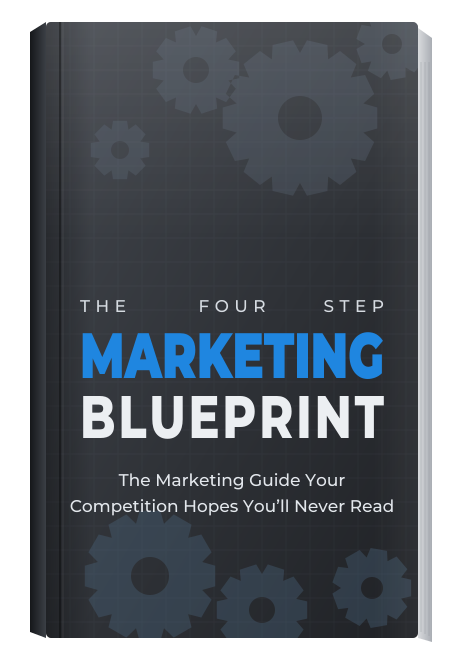
Enter your details and we’ll email you The Four Step Marketing Blueprint, the marketing guide your competition hopes you’ll never read.