Accessible websites that
welcome every visitor.
We audit, fix and monitor your website against WCAG 2.2 AA, so people of all abilities can use it and your business stays protected.
- WCAG 2.2 AA
- ADA Title III
- Section 508
- Screen reader testing
- Keyboard navigation
- Color contrast
- Accessible forms
- Ongoing monitoring
Accessibility is good for people
and good for business.
An accessible website opens your doors to more customers, lowers your legal risk and gives every visitor a better experience.
Reduce legal risk.
Websites that fall short of accessibility standards can attract ADA demand letters and lawsuits. We help you close the gaps before they become a problem.
Reach more customers.
Many people rely on screen readers, keyboards and zoom to browse. When your site works for them, you win business that competitors turn away.
Improve SEO and usability.
Clear structure, alt text and readable content help search engines understand your pages and make every visitor’s journey easier.
1 in 4
U.S. adults live with some type of disability.
Source: CDC
94.8%
of the top one million home pages have detectable WCAG failures.
Source: WebAIM Million, 2025
WCAG 2.2
Level AA is the standard we audit and build to on every project.
The Ripple Growth standard
What accessibility really means
WCAG is built on four simple principles. If your website passes all four, people of all abilities can use it with confidence.
P · Principle 1
Perceivable
Everyone can see or hear your content, with alt text for images, captions for video and strong color contrast.
O · Principle 2
Operable
Visitors can navigate and use every feature with a keyboard, a mouse, touch or voice, with no traps or time pressure.
U · Principle 3
Understandable
Clear language, predictable menus and helpful form errors make your site easy to follow.
R · Principle 4
Robust
Clean, standards-based code works reliably with screen readers, browsers and future devices.
Built to WCAG 2.2 AA,
tested by real people.
Automated scanners only catch part of the problem. We combine tools with hands-on testing using screen readers and keyboards, so your site works in the real world, not just on a report.
- Manual screen reader testing with NVDA and VoiceOver
- Full keyboard navigation with visible focus states
- Color contrast, text resizing and zoom checks
- Accessible forms, menus, buttons and pop-ups
How we make your website accessible
Step 1
Audit
We scan and hands-on test every key page against WCAG 2.2 AA.
Step 2
Prioritize
You get a clear report that ranks every fix by impact and risk.
Step 3
Remediate
We fix code, content, color, forms and media directly on your site.
Step 4
Monitor
Ongoing scans catch new issues as you add pages, posts and products.
Signs your website isn’t
accessible yet.
If any of these sound familiar, some visitors may be struggling to use your site.
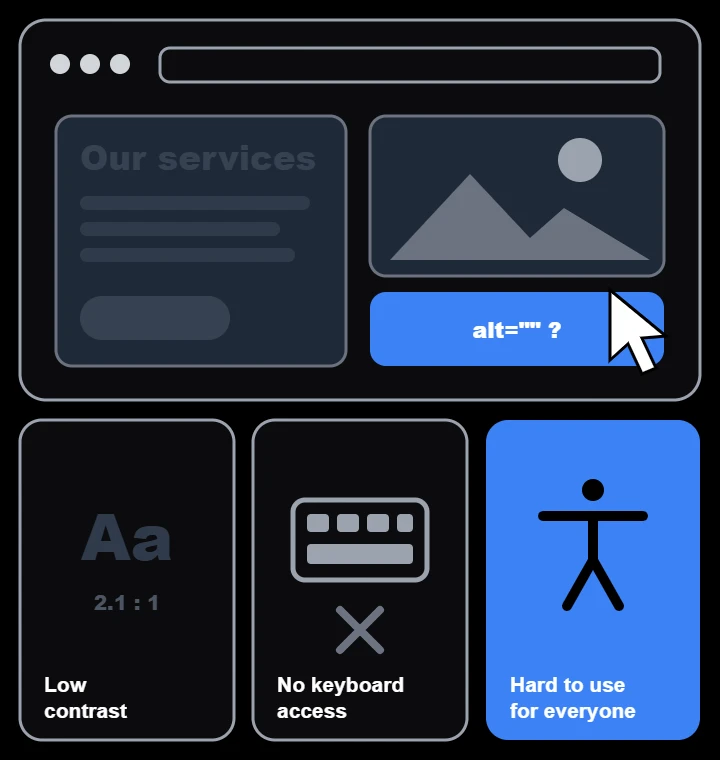
- Text is hard to read against its background
- You can’t move through the menu with only the Tab key
- Images and icons have no alt text
- Form fields lack clear labels or error messages
- Videos play without captions or transcripts
Who needs an accessible website?
Any business that serves the public online. These industries face the most accessibility complaints and benefit the most from getting it right.
Home Services & Contractors
Quote forms, service areas and contact options that anyone can use.
Engineering & Manufacturing Firms
Spec sheets, product catalogues and RFQ forms every buyer can use.
Healthcare & Medical Practices
Patients book appointments, read forms and find care information online.
Gyms & Recreation
Class timetables, memberships and bookings that work for every member.
Financial & Business Services
Clients expect accessible forms, documents and secure portals.
Local Businesses
Opening hours, product pages and contact details that everyone can use.
A closer look
What an accessibility audit
actually checks.
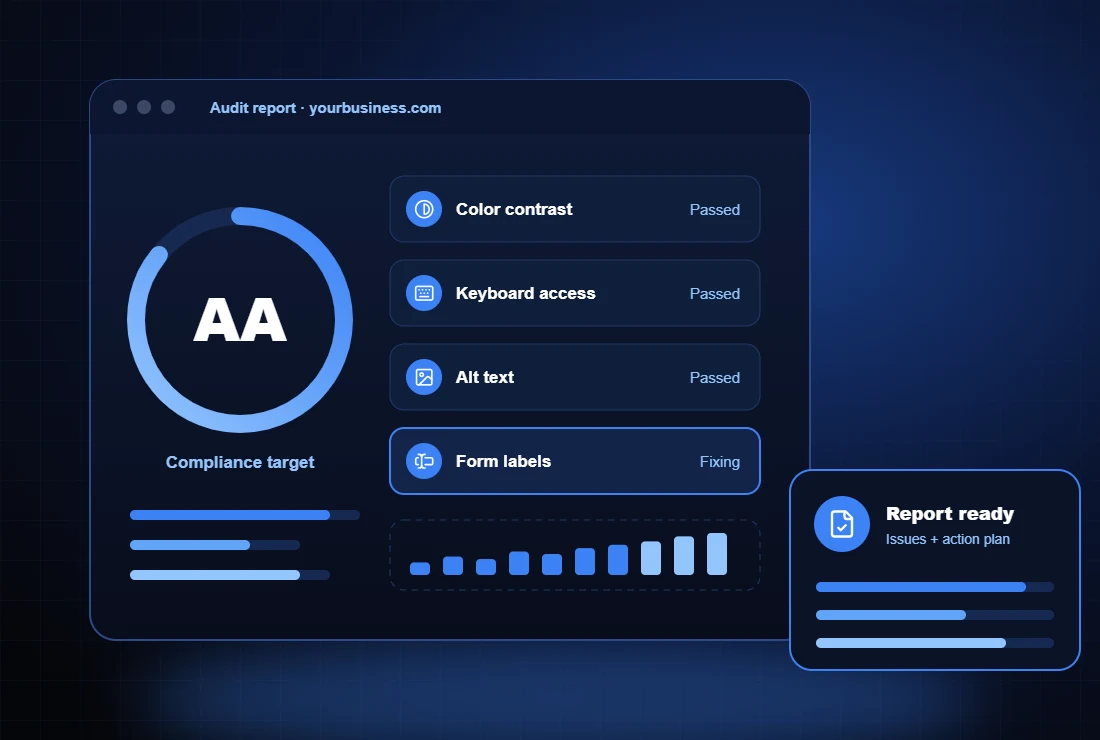
Your audit covers every key template on your site, from the homepage to forms and checkout. Each issue is mapped to a WCAG success criterion, explained in plain English and ranked by impact.
- Every issue linked to a WCAG 2.2 success criterion
- Screenshots and fix notes your team can follow
- Priority order based on user impact and risk
What’s included
Color contrast
Text, buttons and links adjusted to meet WCAG contrast ratios.
Keyboard navigation
Every menu, link and form usable without a mouse, with clear focus.
Screen reader support
Proper headings, landmarks and labels so assistive tech reads your site clearly.
Alt text and media
Descriptive alt text for images, plus captions and transcripts for video.
Accessible forms
Clear labels, instructions and error messages on every form.
Accessibility statement
A published statement and audit report that documents your commitment.
Quick-fix widgets vs. real accessibility
Accessibility overlays promise one-line compliance. Here is why we fix the source instead.
Overlay widgets
- Add a toolbar on top, but leave broken code underneath
- Can conflict with screen readers people already use
- Sites using them are still targeted by complaints
- Monthly fees with no lasting improvement
The Ripple Growth approach
- Issues fixed directly in your site’s code and content
- Tested by hand with real assistive technology
- A documented audit and accessibility statement
- Your site stays accessible, even if you cancel
Staying compliant
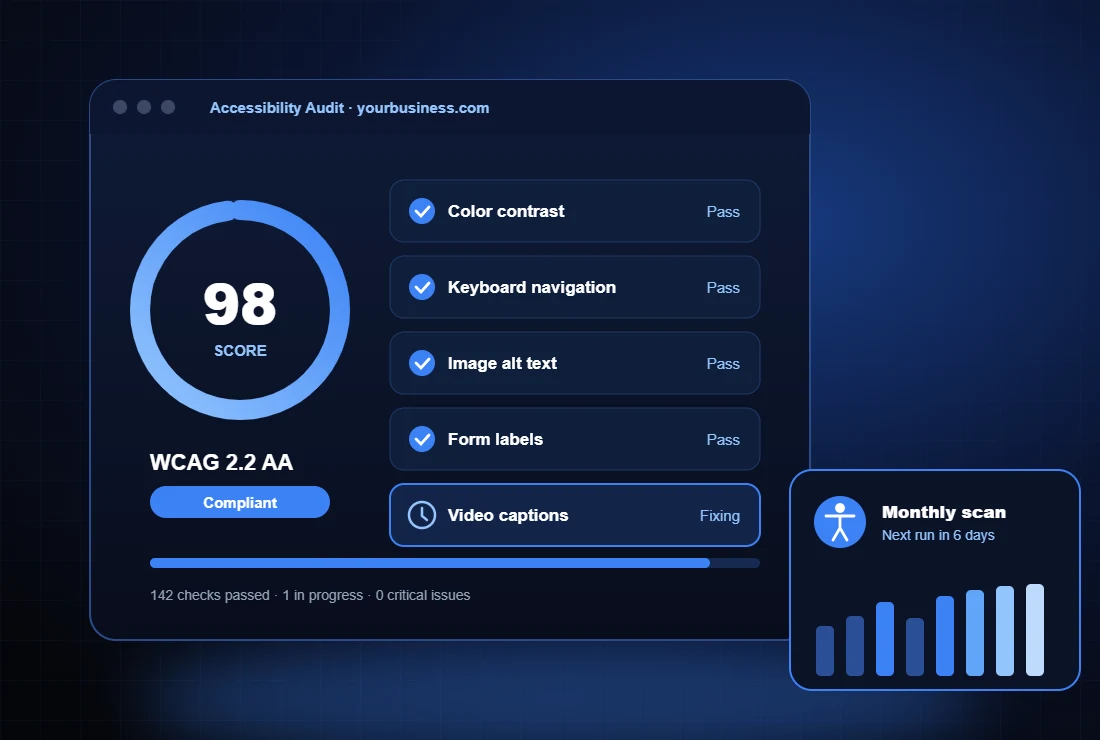
Accessibility isn’t a one-time fix. New pages, posts and products can introduce issues, so we keep watch.
Ongoing monitoring
Scheduled scans flag new accessibility issues before your visitors run into them.
Compliance reporting
Clear reports show your progress and keep a record of your accessibility efforts.
Content guidance
Simple guidelines so your team publishes accessible pages, images and documents.
FREE MARKETING BOOK
Get the free book.
The Four Step Marketing Blueprint is the marketing guide your competition hopes you’ll never read.
- Build a marketing message that gets noticed
- Grow your list of prospects and customers fast
- Cut wasted ad spend without losing sales
START THE CONVERSATION
Let’s talk marketing.
Tell us about your business and marketing goals. We’ll help you find a
straightforward path to better online growth.
Frequently Asked Questions
What is ADA website compliance?
ADA website compliance means making your website usable for people with disabilities, including people who use screen readers, keyboards or magnification. The Web Content Accessibility Guidelines (WCAG) are the most widely used benchmark for measuring it.
Does my business website need to be accessible?
Businesses that serve the public, such as retailers, restaurants, healthcare providers and professional services, are commonly expected to have accessible websites. Making your site accessible lowers your risk and makes it easier for every customer to do business with you.
What is WCAG 2.2 AA?
WCAG 2.2 is the latest version of the Web Content Accessibility Guidelines published by the W3C. Level AA is the widely accepted target for business websites and covers contrast, keyboard access, forms, media and more.
Will an accessibility plugin or overlay make my site compliant?
Overlays and widgets can’t fix problems in your site’s underlying code, and sites using them still receive complaints. We fix issues at the source, so your website is truly accessible.
How long does an audit and remediation take?
Most small business websites are audited within one to two weeks. Remediation time depends on the size of your site and the number of issues, and we give you a clear timeline after the audit.
Do you offer ongoing accessibility monitoring?
Yes. Our monitoring plans include scheduled scans, compliance reports and fixes for new issues, so your site stays accessible as it grows.